Most people assume running a persistent AI agent means renting a VPS, configuring Docker, securing a reverse proxy, and becoming the unpaid night-shift operator for another server. That is one path. It is not the easiest starting point.
Nous Cloud gives you a small hosted environment where Hermes can come online in minutes. The under-five-minute walkthrough assumes your Nous account, payment method, and OpenAI login are ready; provisioning and OAuth timing can vary.
Before you start
- Open Nous Cloud and sign in or create an account.
- Have your ChatGPT account ready for the OpenAI Codex authorization step. We currently recommend starting with the $20 OpenAI subscription and upgrading only if real usage reaches its limits.
- Keep the official Hermes AI provider guide nearby if your provider screen differs from the walkthrough.
If you are still deciding whether you need a harness at all, start with Your AI Needs a Harness, Not Another Browser Tab. This guide assumes you are ready to put one online.
The goal is not merely to open a chat window. It is to put a useful agent online with files, tools, skills, memory, and a path to real work.
Step 1 — Create the cloud agent
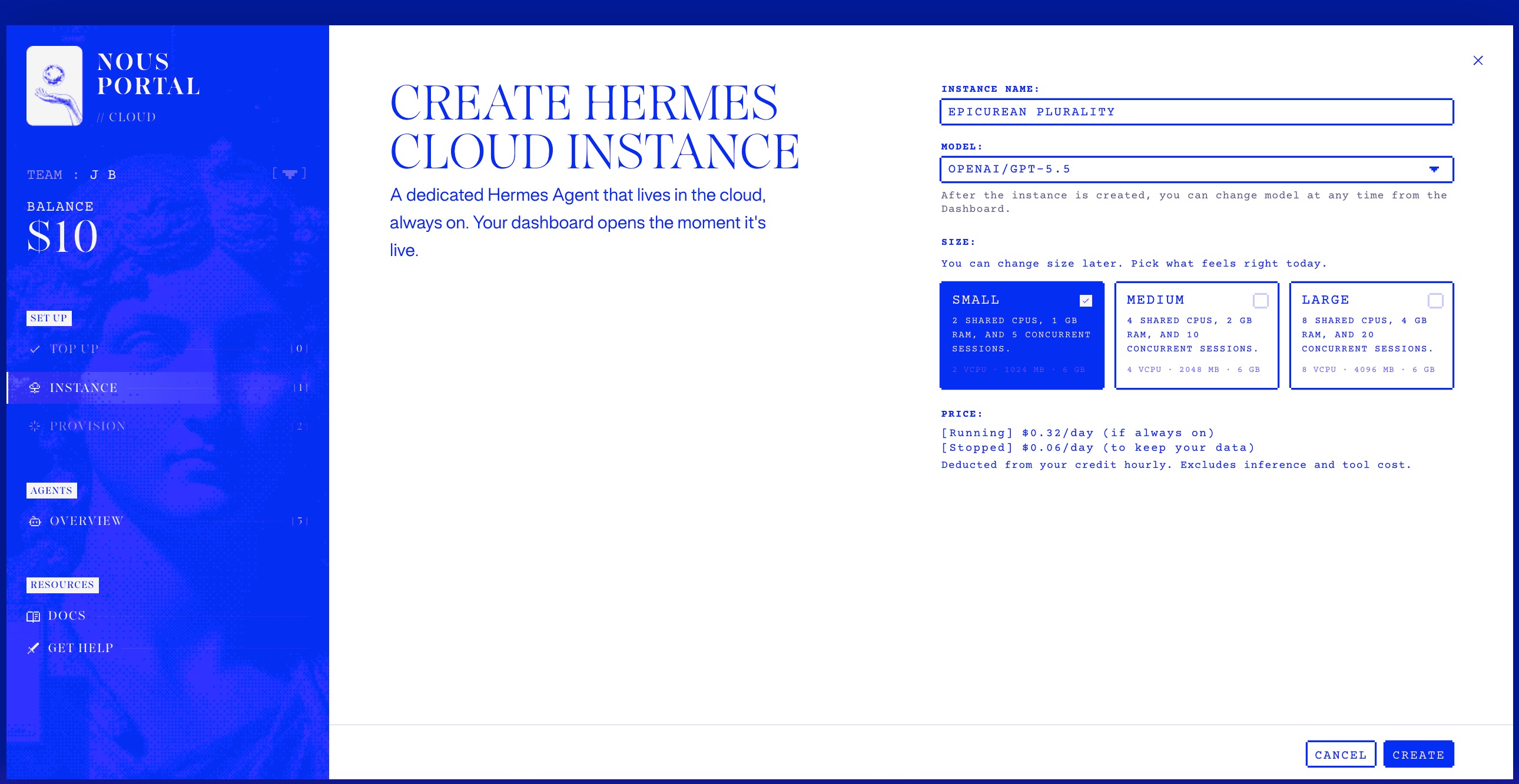
Open Nous Cloud, choose a small instance, and create your Hermes agent. Start with the smallest option that fits; you can increase capacity later. Pricing can change, so confirm the live rate shown in the portal before purchasing credits.
Step 2 — Wait for the agent to come online
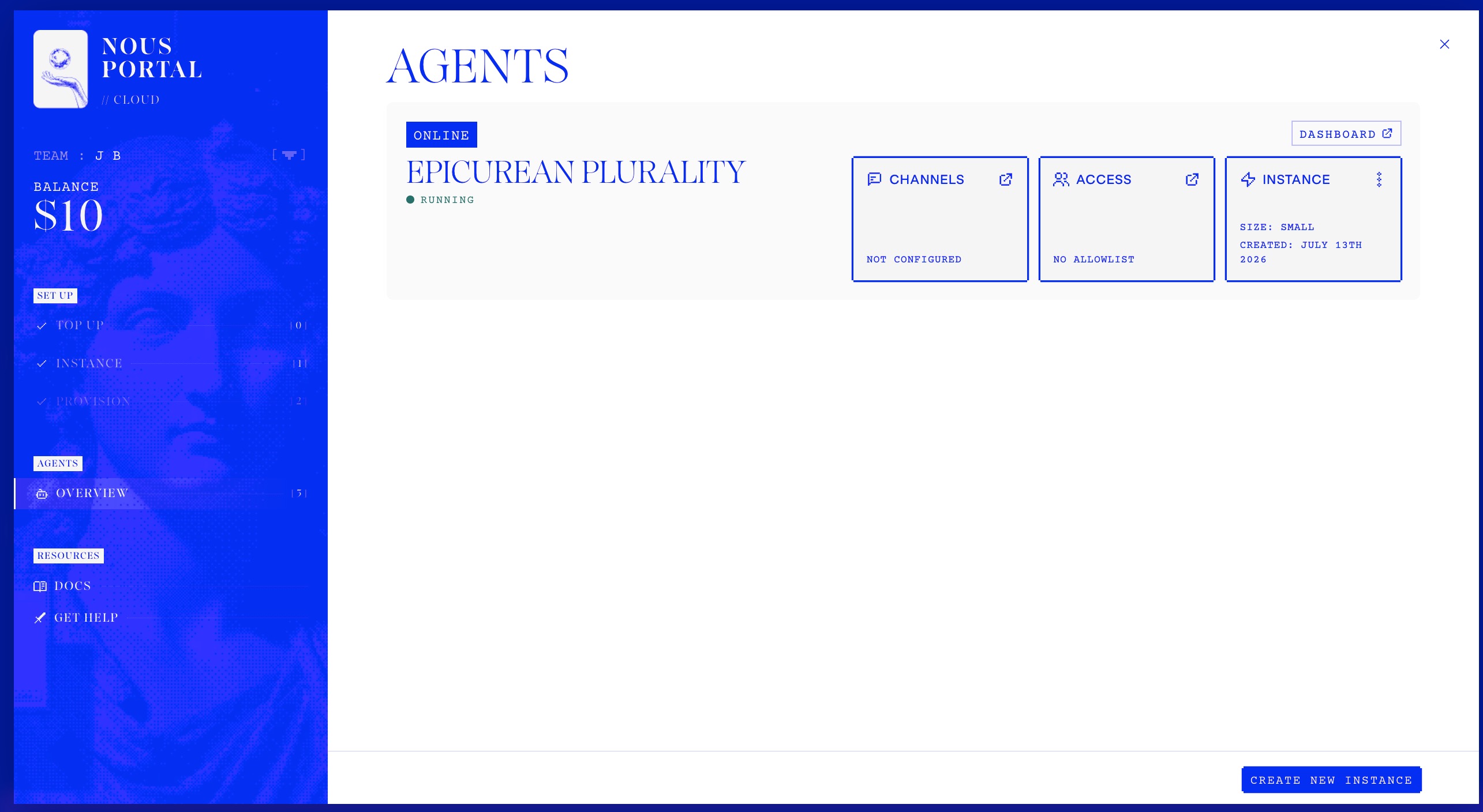
Once the status changes to Online, open Hermes. The agents list is your first proof that provisioning finished.
Step 3 — Open the Hermes dashboard
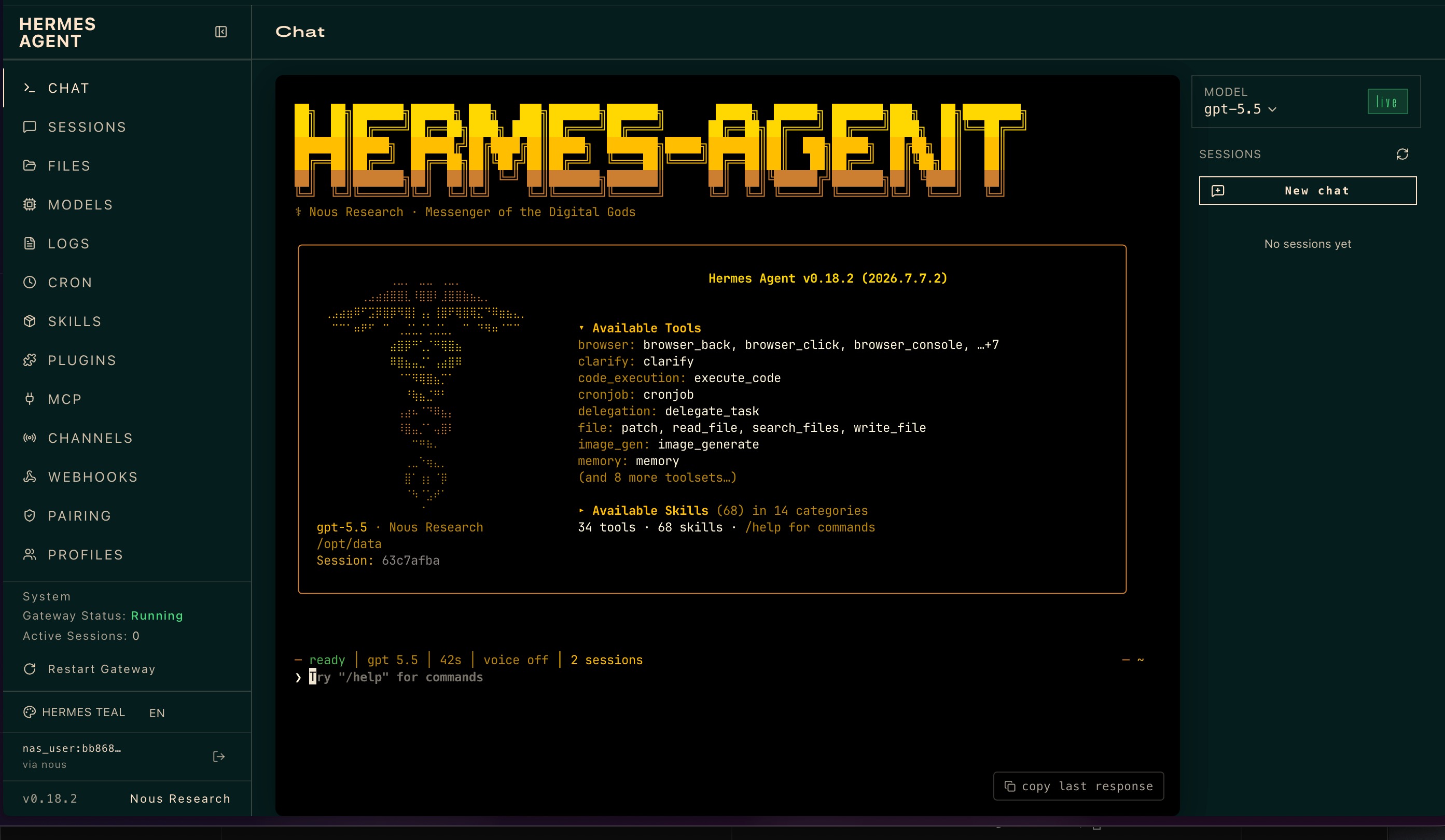
This is the harness around the model—the part that determines what the model can access, remember, execute, and verify. The dashboard brings together chat, files, models, skills, and channels.
Step 4 — Connect OpenAI through Codex OAuth
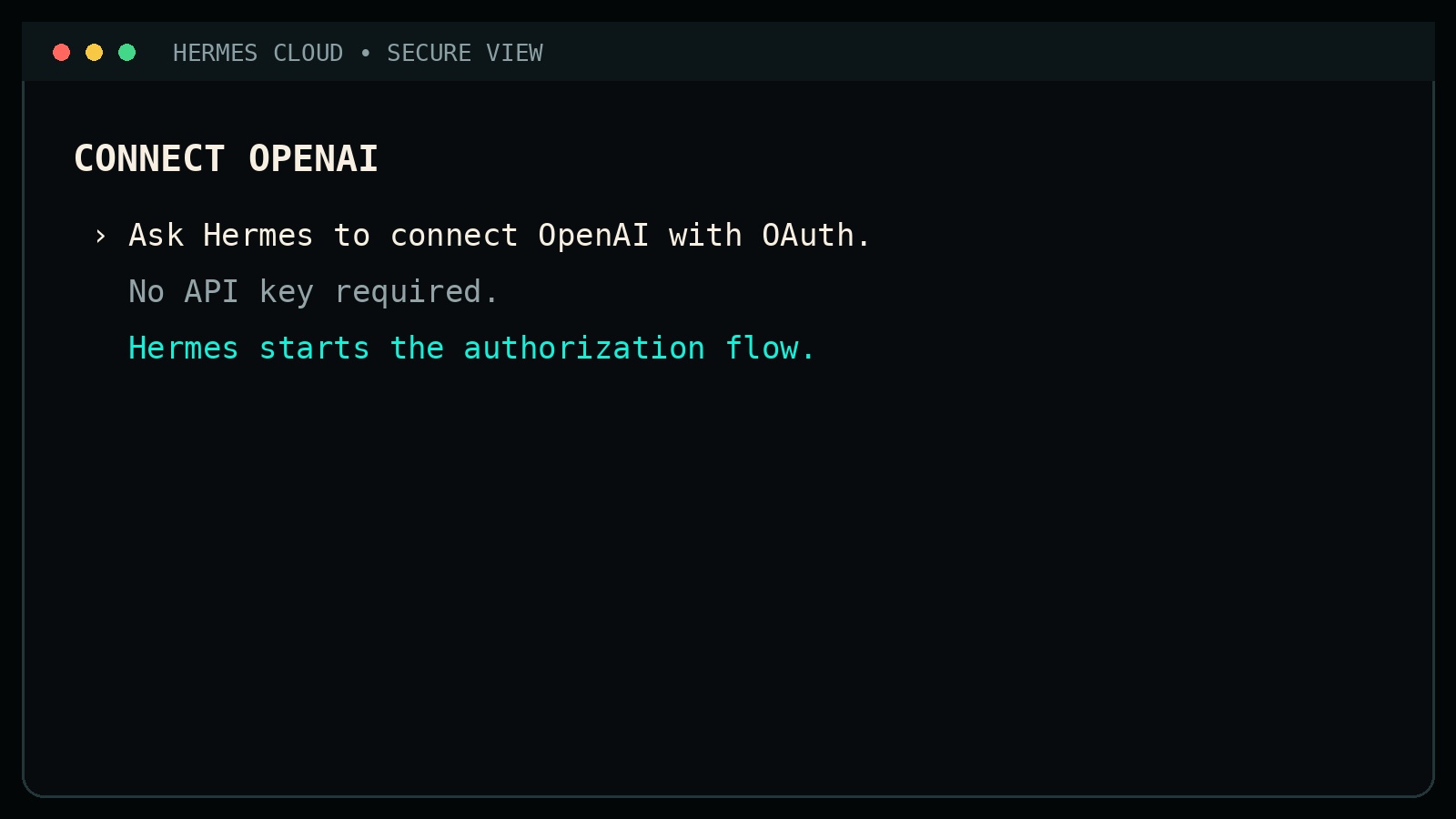
Ask Hermes to connect OpenAI using Codex OAuth. No API key paste is required for this path. Hermes starts the authorization flow for you.
Why we recommend OpenAI first
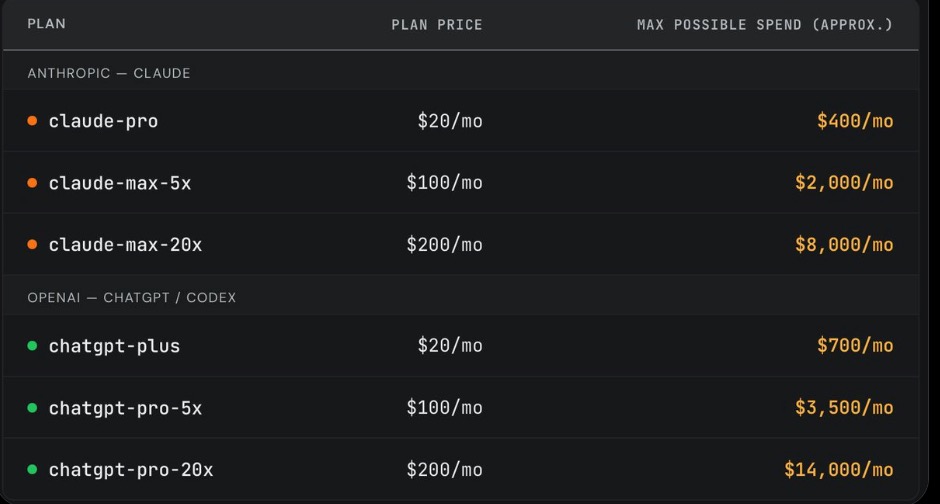
For most new Hermes operators, OpenAI currently offers the clearest value path for coding and tool-heavy agent work through a predictable subscription. Start with the $20 plan. Move to the $100 plan only when real, valuable workloads consistently hit the lower plan's limits. Hermes can also delegate routine work to less expensive models automatically, preserving premium-model usage for tasks that need stronger judgment. This is a starting recommendation, not a lock-in decision—you can change providers and models later.
If the provider choices have changed, follow the current Hermes AI provider guide.
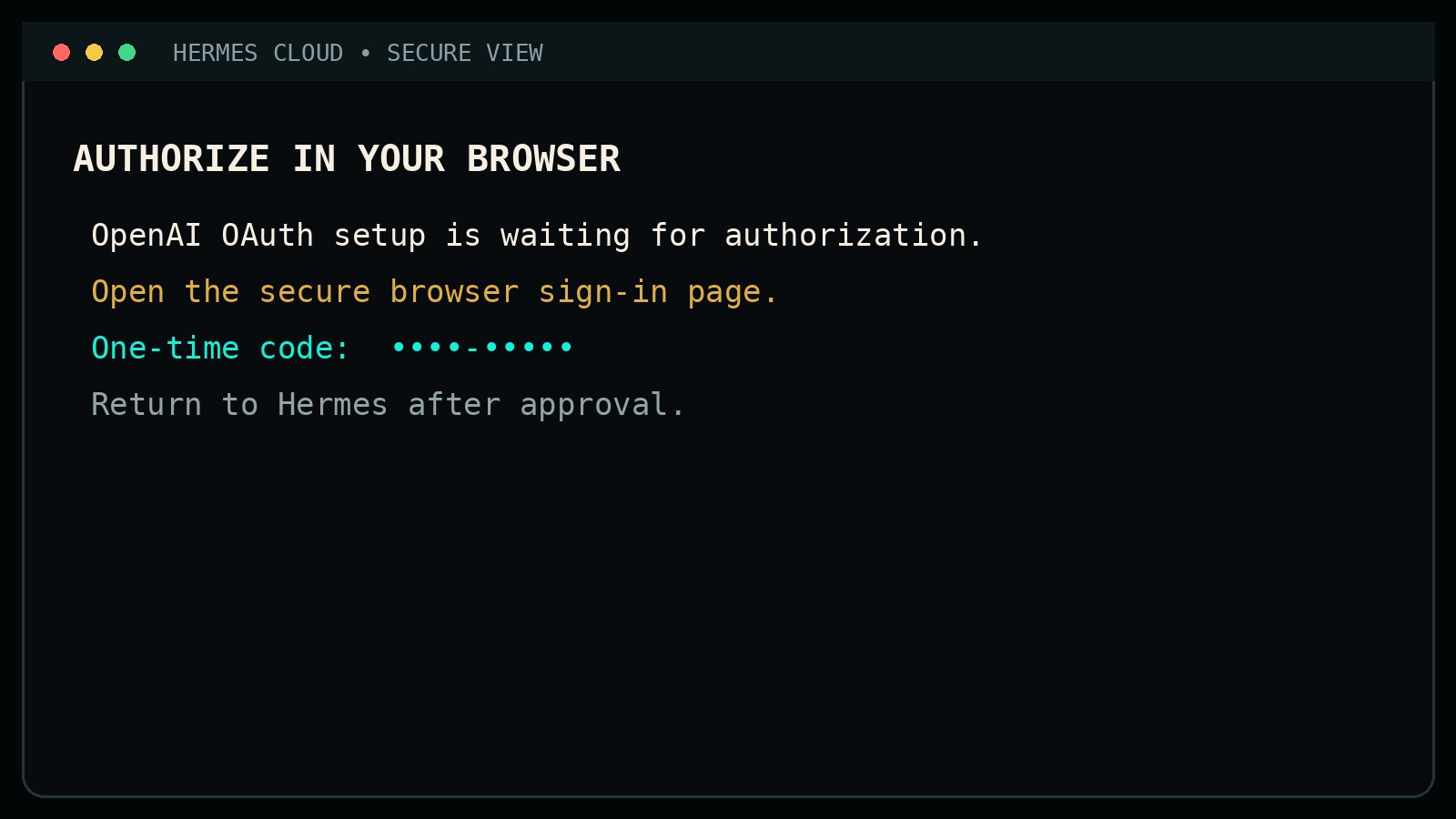
Step 5 — Approve the one-time browser authorization
Open the secure browser sign-in page, complete the one-time approval, then return to Hermes so it can finish the connection.
Step 6 — Verify the credential
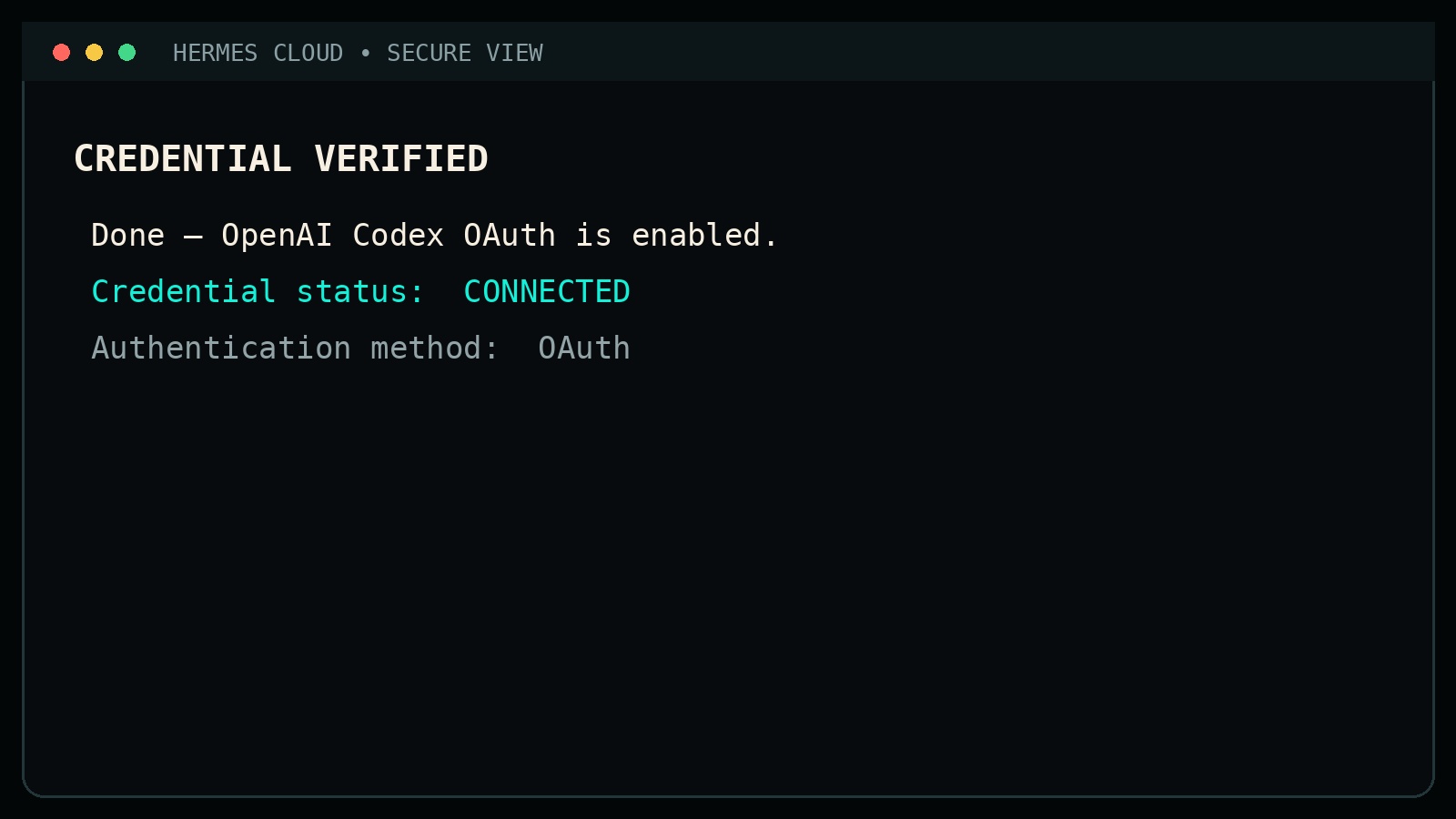
Hermes should report the credential as connected with OAuth as the authentication method.
Step 7 — Make OpenAI Codex the default when desired
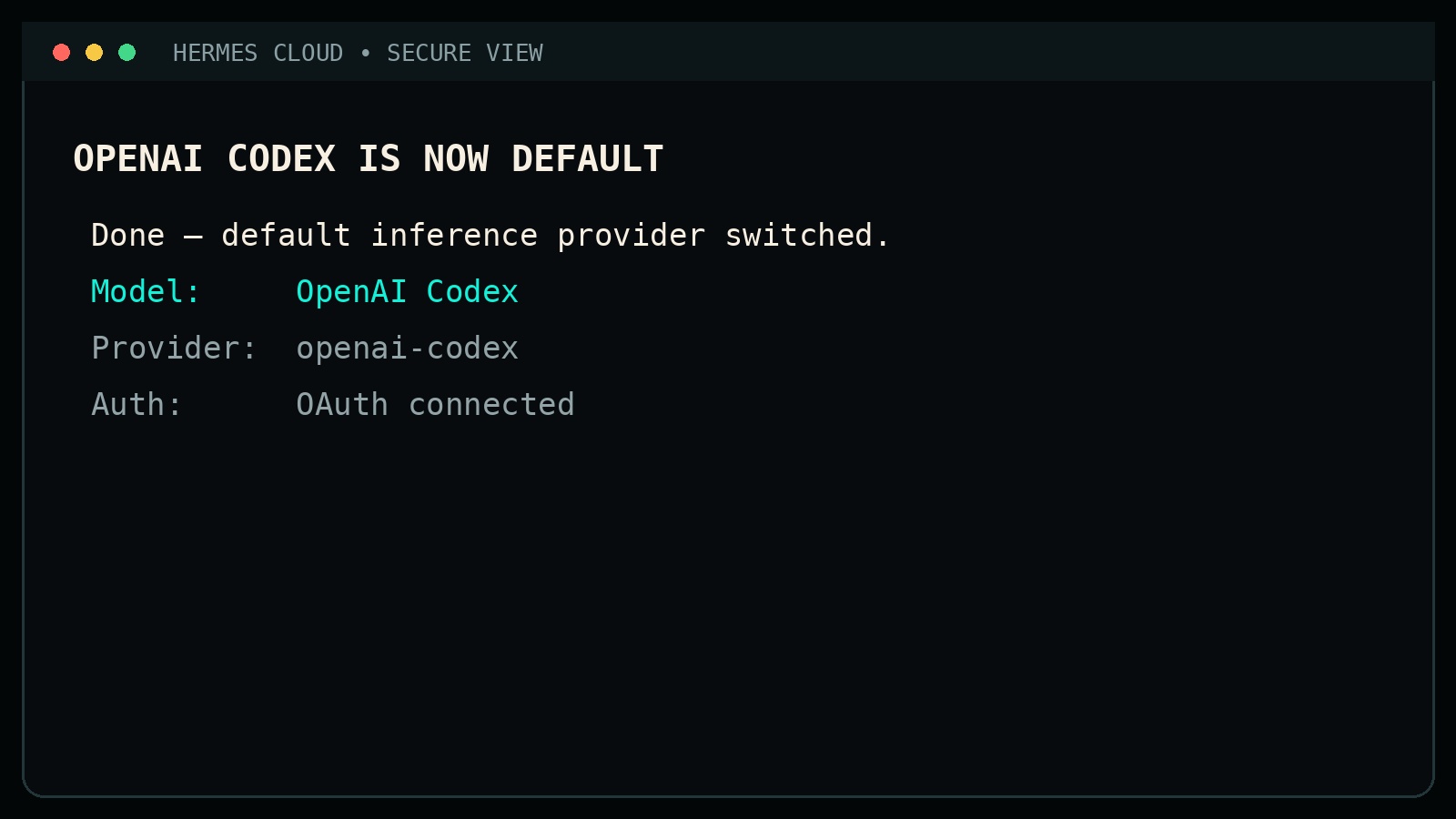
If this is your everyday path, switch the default inference provider to OpenAI Codex so later work does not silently fall back to pure API billing elsewhere.
What the starting cost actually means
The services are separate: Nous Cloud hosting is under approximately $10 per month in this example, while ChatGPT Plus begins at approximately $20 per month. That makes the practical starting stack roughly $30 per month—not one bundled $30 plan.
Start with Plus if it fits your workload. Upgrade only after real usage shows that the limits are constraining valuable work. The theoretical API-equivalent value of a subscription is not guaranteed savings; the honest comparison depends on your tasks, model access, rate limits, and usage pattern.
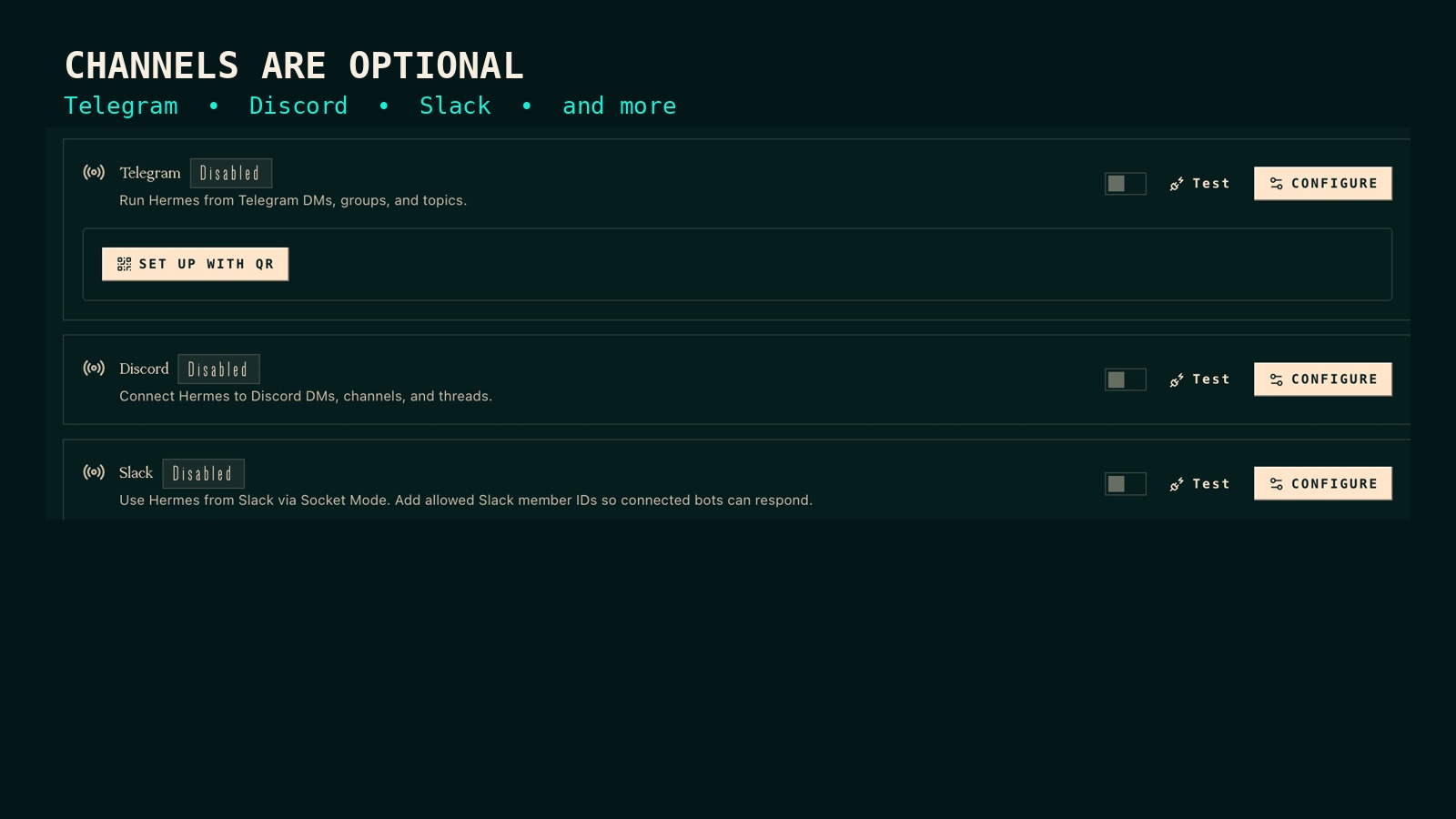
Channels are optional
Connect only the channels you actually plan to use. Discord, Telegram, Slack, and similar integrations are useful—but only after one real job is already working.
Cloud first does not mean cloud forever
The hosted setup is the easy on-ramp, not the ceiling. It has resource and platform constraints. When your workload outgrows it, Hermes can help plan and execute a migration to your own Hetzner VPS. You should still retain approval over credentials, billing, security-sensitive changes, and destructive actions.
That progression is the point: start quickly, prove the agent is useful, then earn the complexity of self-hosting instead of paying for complexity before you need it.
Quick checklist
- Open Nous Cloud and sign in.
- Confirm the current price, add credits, and launch a small Hermes instance.
- Wait for the status to show Online.
- Open Hermes and confirm the dashboard loads.
- Connect OpenAI through Codex OAuth using your ChatGPT account.
- Verify the credential and make Codex your default inference provider if desired. Use the official provider guide if the screen differs.
- Connect only the channels you actually plan to use.
- Give Hermes one real, bounded job and verify the result before adding more infrastructure.
The five-minute setup is not the goal. Getting one real job done and verified is.